

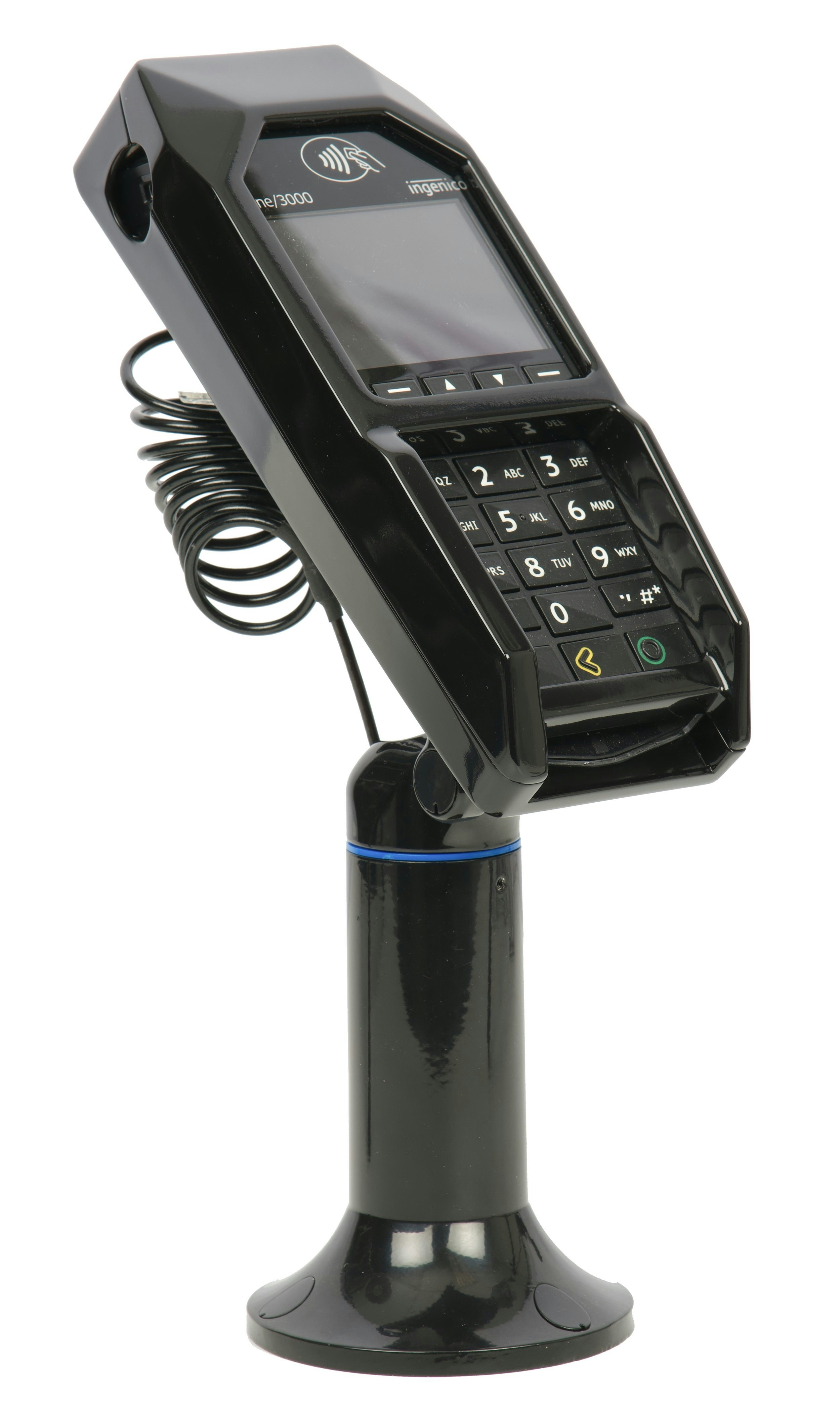
What’s in the Box
- Ingenico Lane/3000 terminal
- Ingenico Multipoint Interface Cable
- Ingenico power supply
Initial Setup
1
Power Connection
- Plug the power supply connector into the jack on the Multipoint Interface Cable.
- Connect the Multipoint Interface Cable into the Multipoint Port on the underside of the terminal.
- Plug the power supply adapter into an available power outlet.
2
Network Connection
Connect the other end of the Multipoint Interface Cable to an Ethernet port (router, modem, wall jack, etc.).
Powering On and Registering the Terminal
1
Initialize
Once power is supplied, the initialization process begins.
2
Establish Connection
After establishing its IP address, the terminal starts the registration process.
3
Register Device
The terminal will display a 6-digit alphanumeric code. Use this code when registering the device in Decoda.
Entering Text Using the Multi-Tap Method
Each number key represents a set of letters. Pressing the key multiple times will cycle through the numbers and letters. For example, pressing2:
Troubleshooting
Restart Your Terminal
There are two ways to restart your terminal: Soft Reboot: Access the Admin Menu and select the Restart Terminal option. Hard Reboot: Press and hold the., #, * key and < (yellow key) simultaneously until the device powers off.
Device Disconnected
If your device becomes disconnected, verify the following:- Ensure you are using the provided multi-point mono connector (Ethernet) cable and power supply.
- Check that the Ethernet jack on the multi-point mono connector cable is securely plugged into your router, modem, networking switch, or Ethernet wall jack.
- Verify that the Ethernet port being used has access to the Internet and that your internal network allows Integrated Terminal connections.